Full Description
View Full Description
What’s new in Max 9
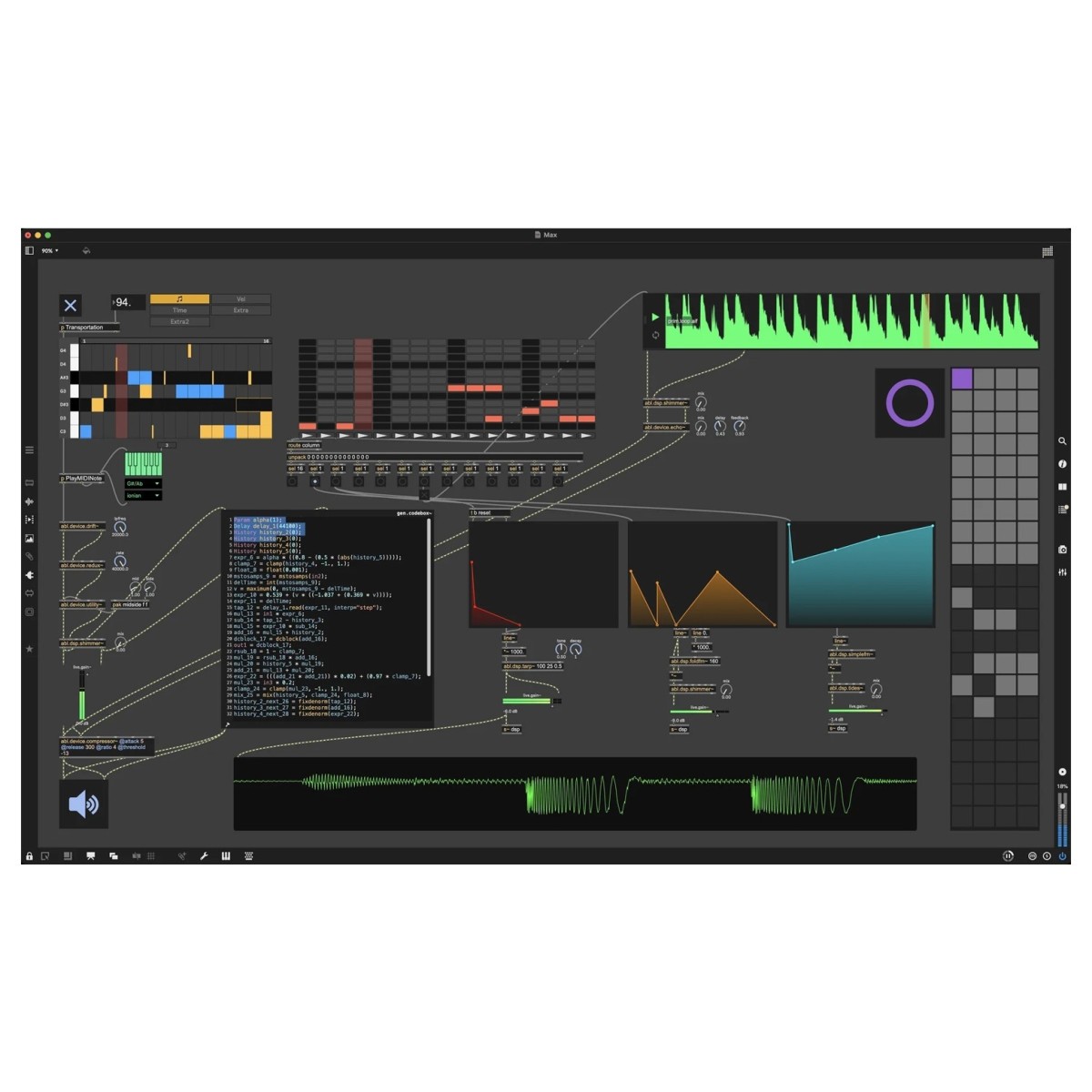
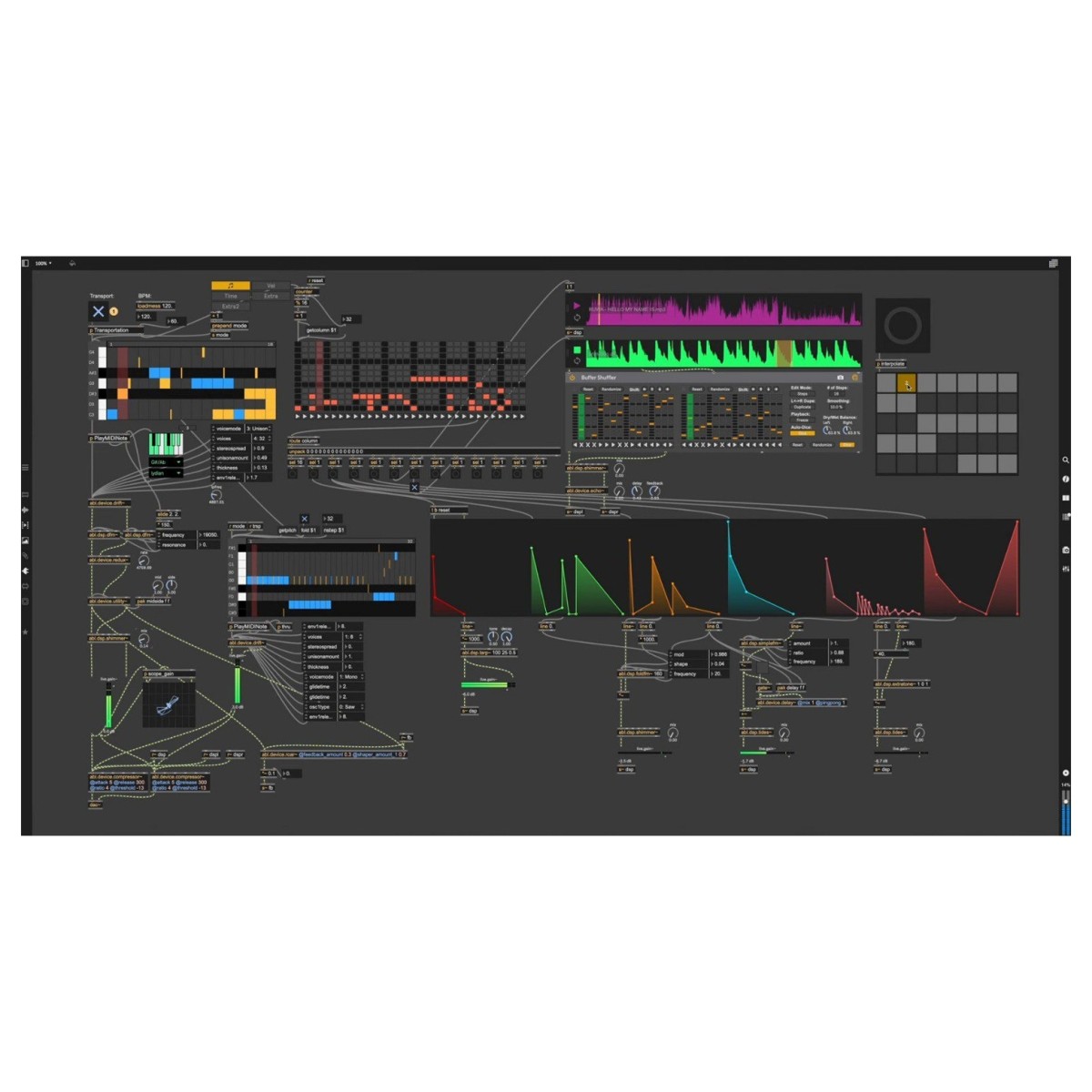
Max 9 updates core audio, video and coding workflows so you can move from idea to working patch more quickly. You get new ABL audio objects, expanded Codebox options, and a significant Jitter refresh with jit.fx for real-time image processing and a Geometry system for 3D mesh manipulation. A fast JavaScript V8 engine improves text-based control, while compatibility updates support RNBO (sold separately), shell plug-ins and multichannel audio file formats across macOS and Windows. The result is a smoother interface, better performance and a wider toolkit for building instruments, effects, utilities and visuals.
Ableton Sound for Max
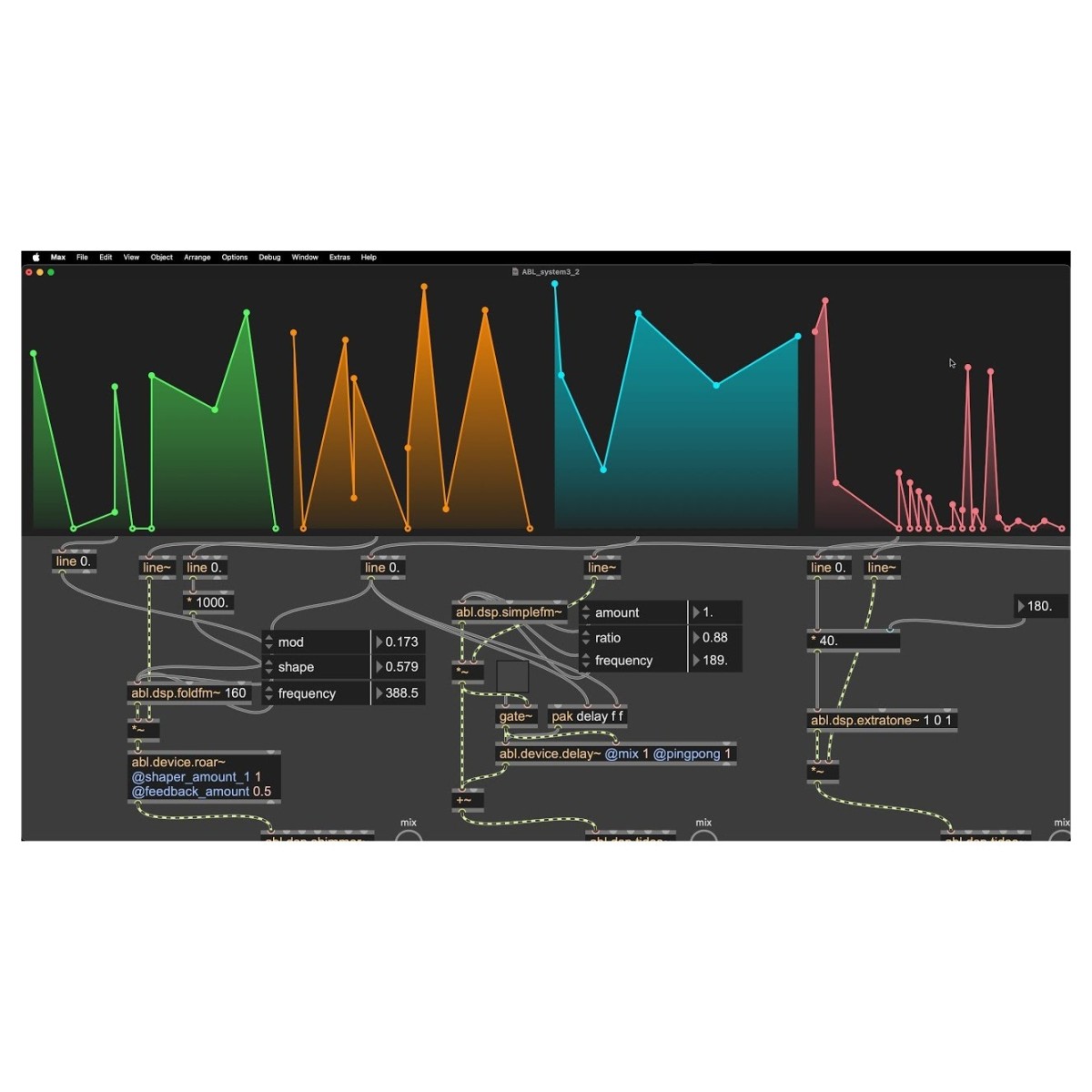
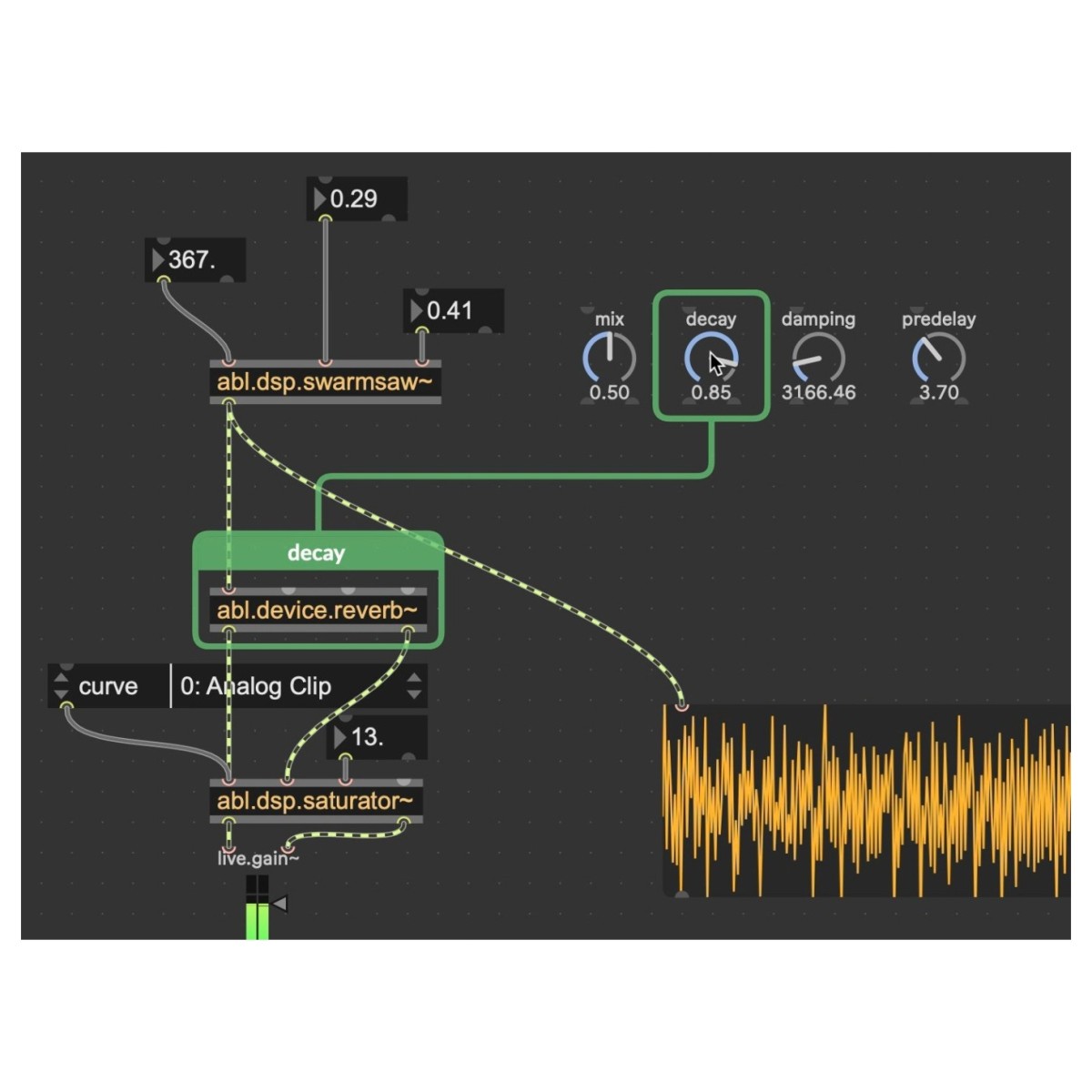
Max 9 includes a set of objects built on Ableton’s ABL DSP library, giving a patchable route to behaviours found in well-known Live devices. Drop in modules such as abl.device.roar for aggressive saturation or <abl.dsp.shimmer for spacious reverberation, then wire them into your own signal paths. Because they’re standard Max objects, you can modulate parameters, combine them with MC and DSP tools, and tailor the character to your needs, no menu diving or hidden macros, just clear wiring and immediate results.
Patching with Code
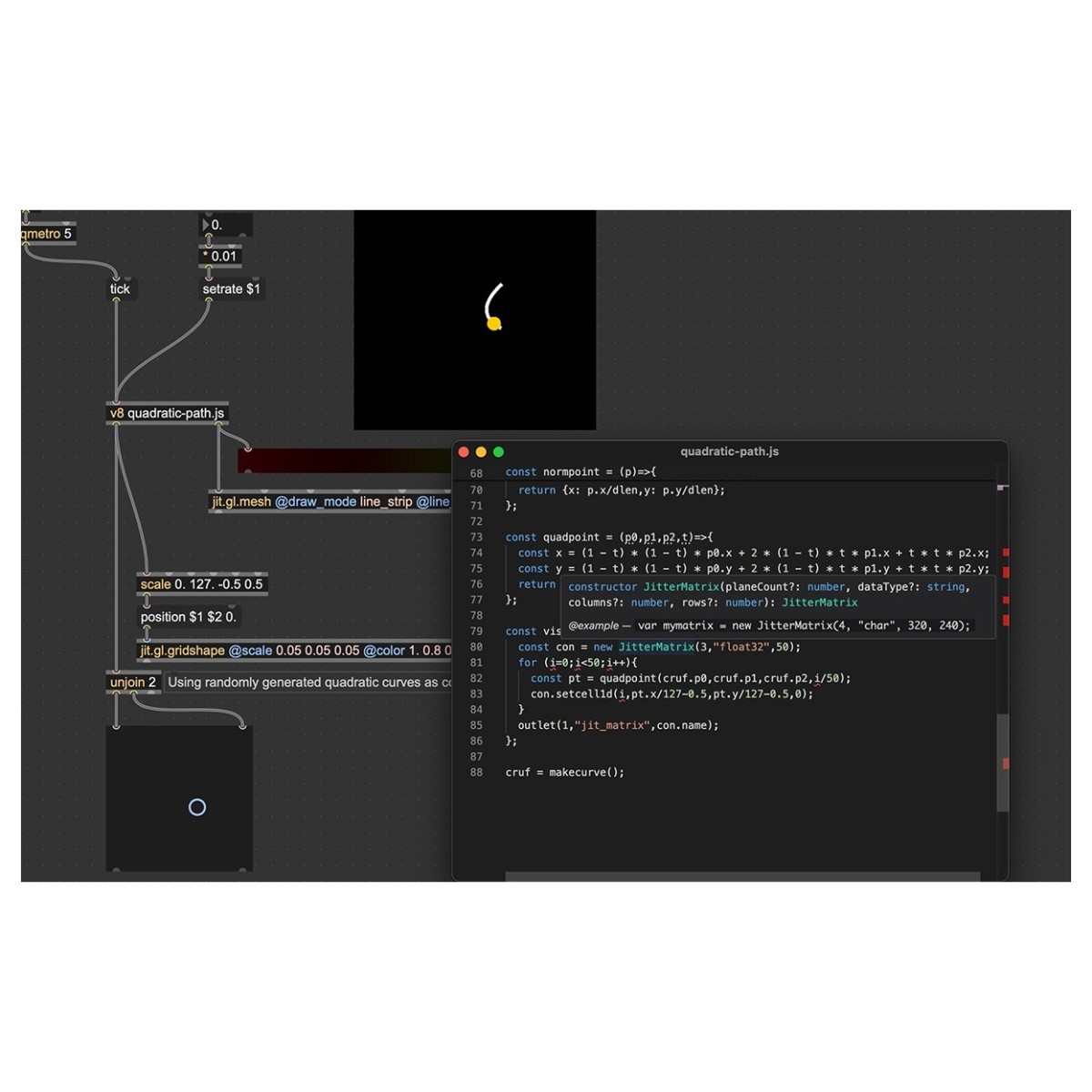
If you like text, Max 9’s Codebox and updated JavaScript V8 engine give precise control over every step of a patch. Write logic, sequencing, data handling and custom DSP control in code, then integrate it seamlessly with graphical objects. This hybrid approach keeps experimentation quick while letting you refine behaviours, automate complex tasks and build reusable modules. Even if you’re new to JavaScript, examples and documentation make it easy to learn by editing, testing and iterating directly inside your patch.
Introducing Jitter Geometry
Working with visuals is more direct thanks to new ways of handling 3D data. Jitter Geometry lets you represent and manipulate meshes in real-time, while the jit.fx library provides shader-based image effects through a clear Max interface. Combine geometry processing with effects for interactive visuals, performance backdrops or installation work. Because these tools live alongside audio objects, you can link sound and image within one patch—sync movements to music, drive parameters from analysis, and keep everything editable in a single, flexible environment.
Features
- Advanced visual programming platform designed for musicians, with a faster, more efficient workflow
- Build custom effects, instruments, and tools using powerful built-in DSP features, ABL objects, and MC support
- Object-based interface gives you full creative control, whether you're designing audio processors or interactive setups
- Easily create your own sound generators and audio effects from the ground up
- Use Codebox for detailed, hands-on editing and advanced customization of your projects
- Access and share a wide range of user-created Max patches within a global creative community
- Seamlessly integrate live instruments and gear for full control in studio sessions or live performances
- Leverage improved JavaScript V8 integration for better scripting and automation
- Turn any computer peripheral into a custom controller for your Max-built devices
- Combine audio, video, and graphics to design immersive, interactive multimedia experiences
Specifications
- Operating system:
- Mac: macOS 11.00 or later
- Windows: Windows 10 or later
- Format: Standalone
- RAM: 4GB
- Product code: 1525-1000